
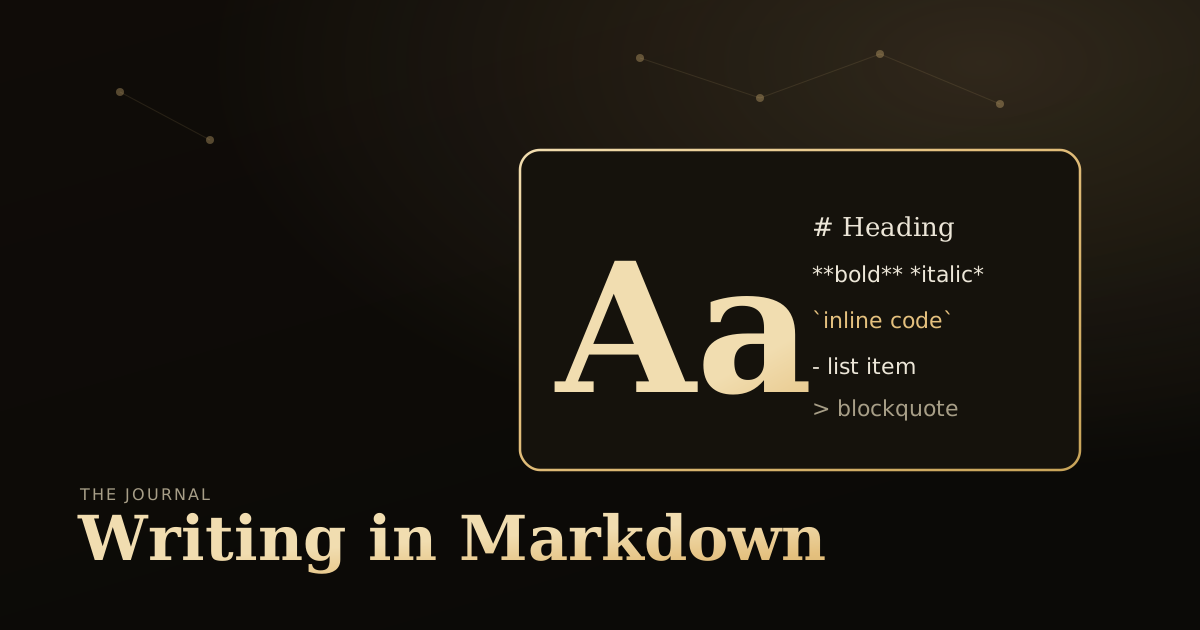
Writing in Markdown
This post is a living style guide. It exists so you can see exactly how each Markdown element looks in Auric — and copy/paste the syntax you need.
Headings
Use ## for section headings and ### for sub-sections. The # (h1) is reserved for the post title, set in the frontmatter.
A sub-section
Body text uses a comfortable measure and line height for long-form reading.
Text formatting
You can write bold, italic, and inline code. Links look like this and are underlined in gold.
Lists
An unordered list:
- First item
- Second item, a little longer to show how lines wrap inside a list
- Third item
An ordered list:
- Do the thing
- Then the next thing
- Finally, ship it
Blockquote
Design is not just what it looks like and feels like. Design is how it works. — a useful reminder when building anything.
Code block
// Fenced code blocks are syntax-highlighted at build time.
export function greet(name) {
  return `Hello, ${name}!`;
}
Table
| Feature | Included | Notes |
|---|---|---|
| Blog | ✅ | Content collections + RSS |
| Light & dark | ✅ | Toggle in the nav, remembered |
| Contact form | ✅ | Optional, via Web3Forms |
| Tracking | ❌ | None unless you opt in |
Collapsible sections
Markdown accepts raw HTML, so you can build FAQ blocks or hide long asides with <details> — styled to match the theme:
How do I use this?
Wrap any Markdown in a <details> element with a <summary> title. Keep a blank line after the <summary> so the content inside is still parsed as Markdown.
When is it useful?
FAQs, changelogs, spoilers, optional deep-dives — anything readers should be able to skip.
Images
Drop images in public/blog/ and reference them with an absolute path. They get a consistent frame and lazy-loading automatically.
That covers the essentials. If it renders here, it renders in your posts.